
Local SEO
Local SEO Strategies: How to Rank on Google Maps and Attract Nearby Customers
In 2025, when most of the customers are starting their buying journey online, appearing on Google Maps is no longer optional it’s essential now. So, whether someone is looking for a coffee shop, a salon, a clinic, or a retail store
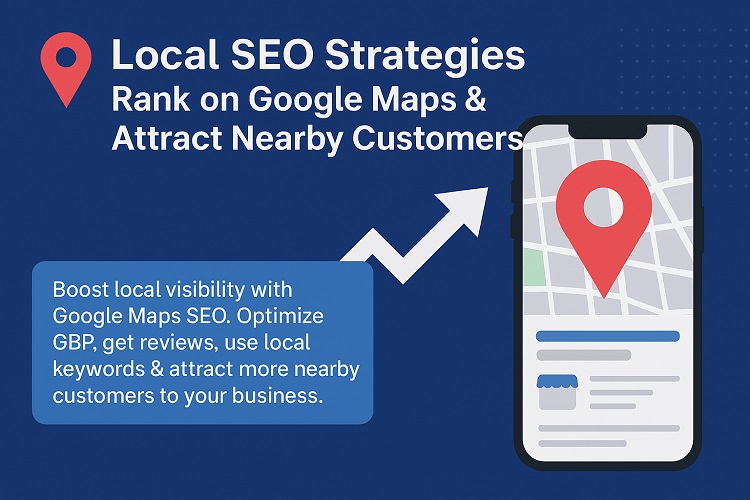
In 2025, when most of the customers are starting their buying journey online, appearing on Google Maps is no longer optional it’s essential now. So, whether someone is looking for a coffee shop, a salon, a clinic, or a retail store, there are chances that they’ll check Google Maps before visiting there in person. Therefore, ranking higher on Maps doesn’t just give your business more visibility, but it also drives real-world foot traffic and builds trust. That’s why mastering Local SEO strategies is the key for attracting the nearby customers.
Why Google Maps Ranking Matters
Google Maps is often the first thing people see when they search for “near me” queries. Businesses that appear in the Local Pack experiences:
- Higher visibility in the search results.
- More calls, website visits, and direction requests.
- Stronger brand credibility, as users tend to trust the Google’s top recommendations.
Local SEO Strategies to Rank on Google Maps
- Optimize Your Google Business Profile (GBP)
Your GBP is your digital storefront. So make sure that it is fully optimized with:
- Accurate business name, address, and phone number (NAP).
- Up-to-date business hours, including holidays.
- Categories and attributes relevant to your business (e.g., “family restaurant,” “women’s salon”).
- High-quality photos of your products, services, or interiors.
- A clear and engaging business description with local keywords.
- Get More Positive Reviews
Reviews are one of the strongest ranking signals for Maps. They encourage the satisfied customers to leave genuine reviews, and always respond whether its positive or negative. A higher rating with more reviews helps to build the trust and directly influences both ranking and the customer’s decisions.
- Use Local Keywords in Your Content
Incorporate geo-specific keywords like “dentist in Andheri” or “best gym near Connaught Place” into your website, GBP description, and blog content. This helps Google to connect your business to users searching in those locations.
- Ensure NAP Consistency Across Platforms
Your Name, Address, and Phone number must be consistent across your website, directories, and social media profiles. Any mismatch can confuse Google and this can further hurt your ranking.
- Build Local Citations and Backlinks
List your business on local directories like Yelp, Justdial, Yellow Pages, industry-specific platforms. Additionally, backlinks from local blogs, newspapers, or chambers of commerce strengthen your authority in Google’s eyes.
- Add Location-Specific Pages to Your Website
If you operate in multiple areas, create individual landing pages for each location. For example: /salon-in-gurgaon, /salon-in-delhi. This helps the target local searches more effectively.
- Post Regularly on Google Business Profile
Use GBP posts to share updates, promotions, and events. Fresh activity signals to Google that your business is active and increasing its visibility.
- Optimize for Mobile and Speed
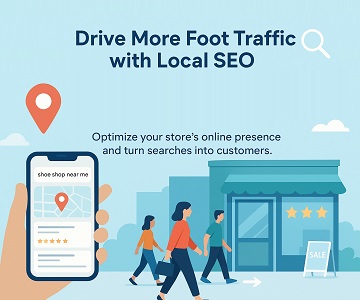
Since most of the local searches happen on smartphones, a fast, mobile-friendly website is critical. Customers are more likely to visit your store if they can find and interact with your business quickly.
Ranking on Google Maps isn’t about tricks it’s about building trust, relevance, and visibility. By optimizing your Google Business Profile, managing reviews, using local keywords, and maintaining consistency, you can climb higher in Maps rankings.
Turn this into a plan for your site
Get a prioritised audit covering technical health, content gaps and AI-search readiness.